Dockge Guides & Blog
Hands-on tutorials for installing, configuring and troubleshooting the Dockge compose stack manager.
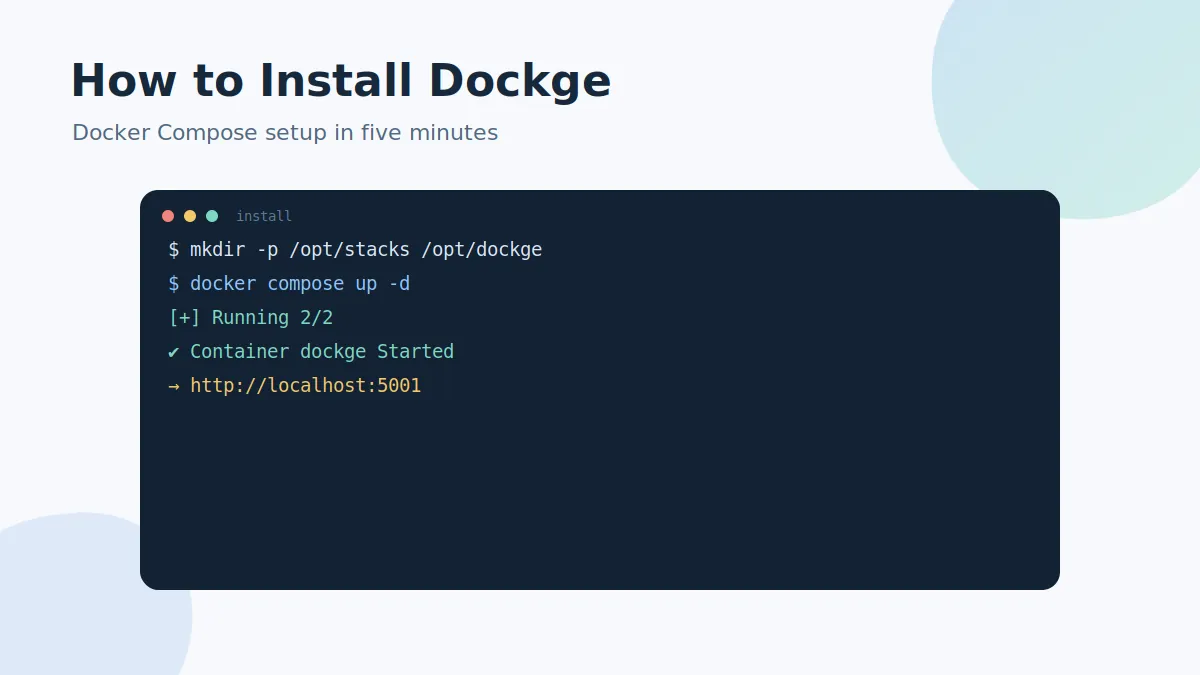
How to Install Dockge with Docker Compose
Complete Dockge install tutorial for Linux: create the directories, download the official compose.yaml, start the container and open the interface on port 5001..
Read the guide →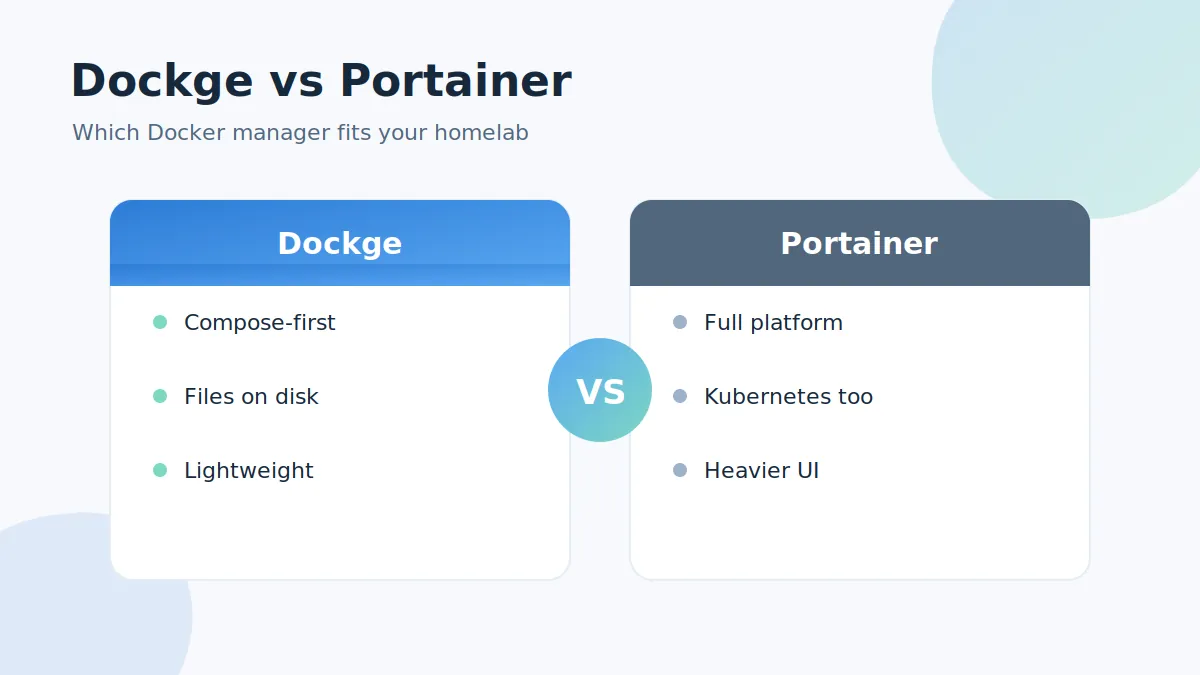
Dockge vs Portainer: Which Docker Manager Should You Use?
Dockge vs Portainer compared: compose-first workflow, file storage, resource usage, features and ideal use cases, so you can pick the right Docker web manager..
Read the guide →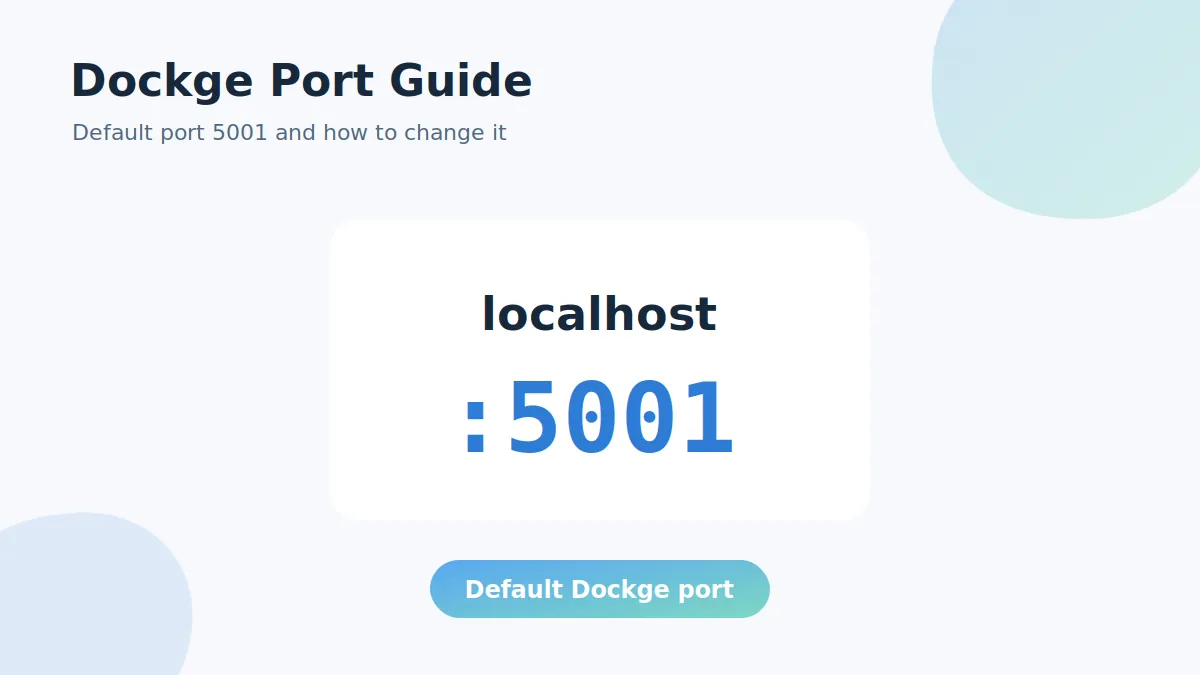
Dockge Port Guide: Default Port 5001 and How to Change It
Learn which port Dockge uses, how to open the interface on port 5001, how to change the Dockge port safely and how to fix the port is already allocated error..
Read the guide →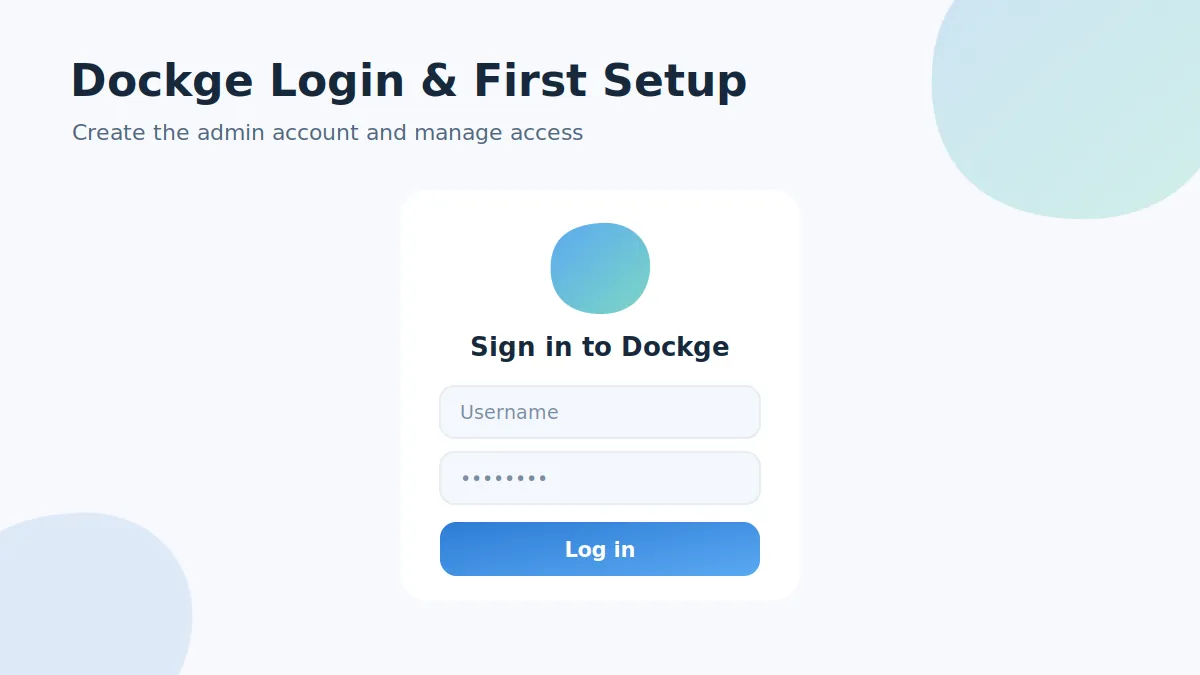
Dockge Login: First Setup, Admin Account and Password Reset
Everything about the Dockge login: creating the first admin account on port 5001, why there is no default password, and how to reset a forgotten Dockge password..
Read the guide →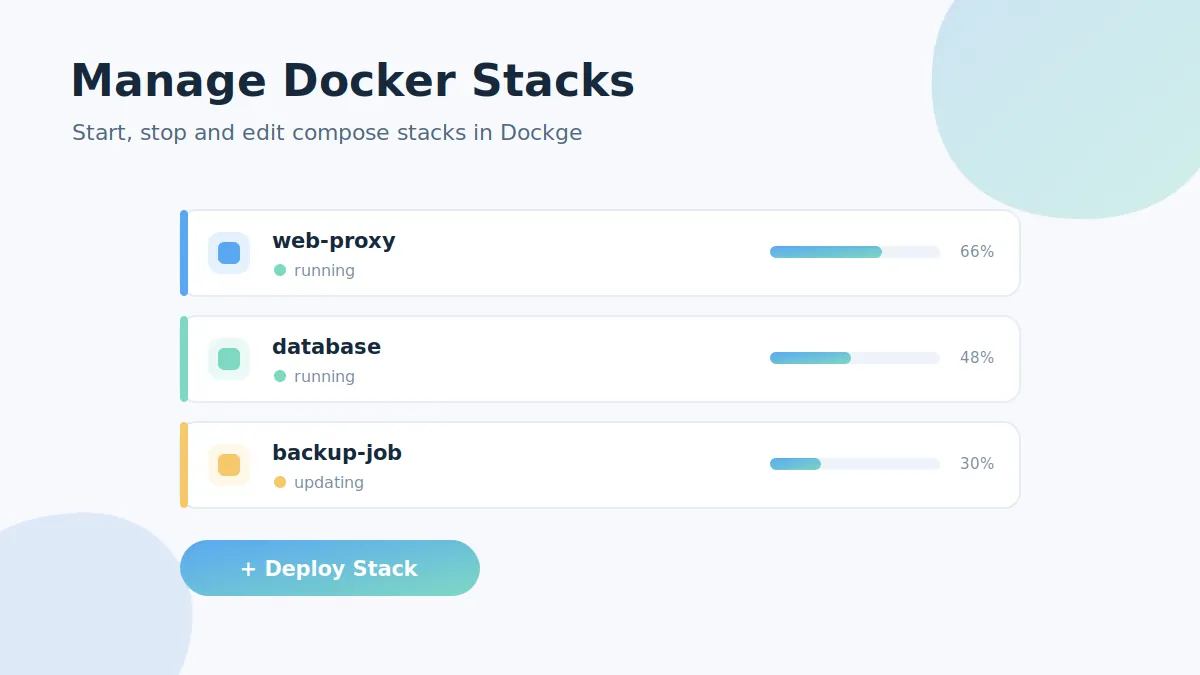
Managing Docker Compose Stacks with Dockge
A practical Dockge Docker tutorial: create a stack, edit compose.yaml in the interactive editor, start, stop, restart and update services, and import existing stacks..
Read the guide →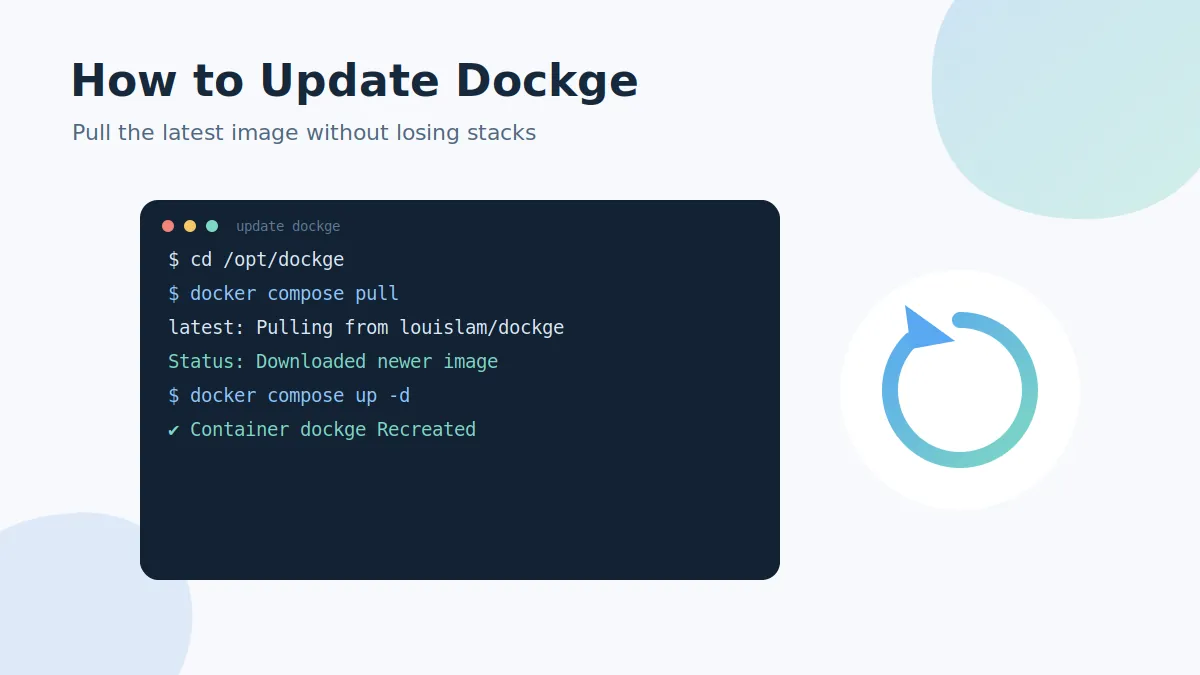
How to Update Dockge to the Latest Version
Update Dockge safely with docker compose pull and up -d.
Read the guide →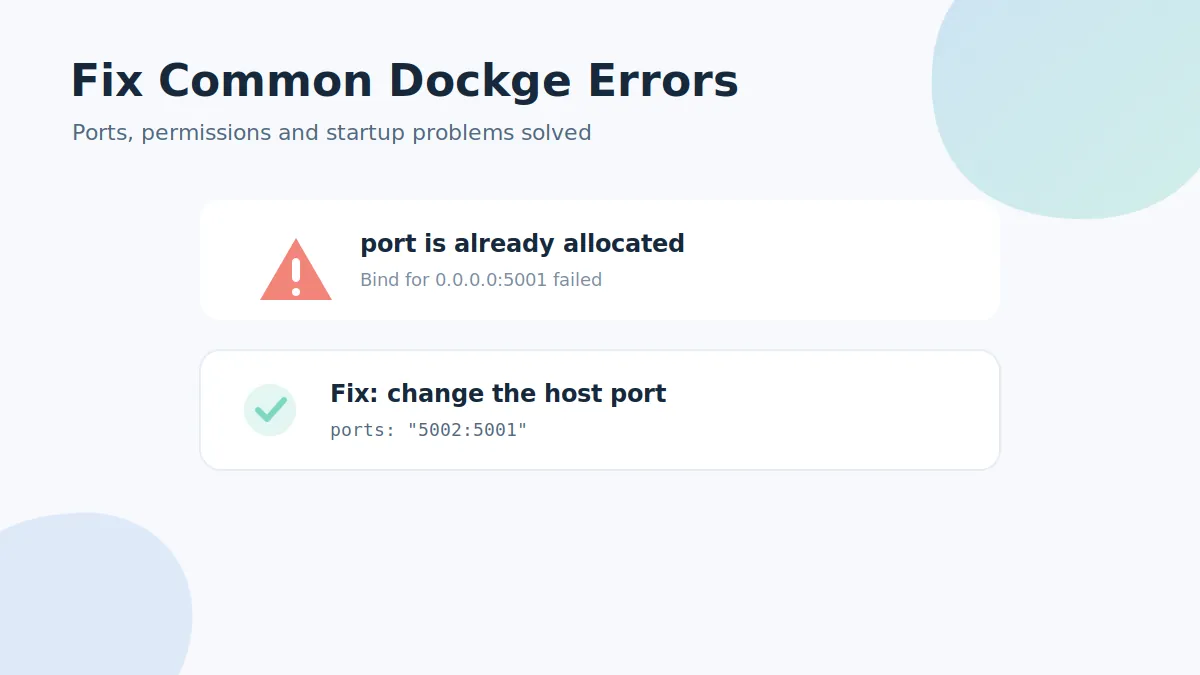
Fix Common Dockge Errors
Solutions for the most common Dockge problems: port already allocated, stacks not showing, permission denied on docker.sock, blank page behind a proxy and more..
Read the guide →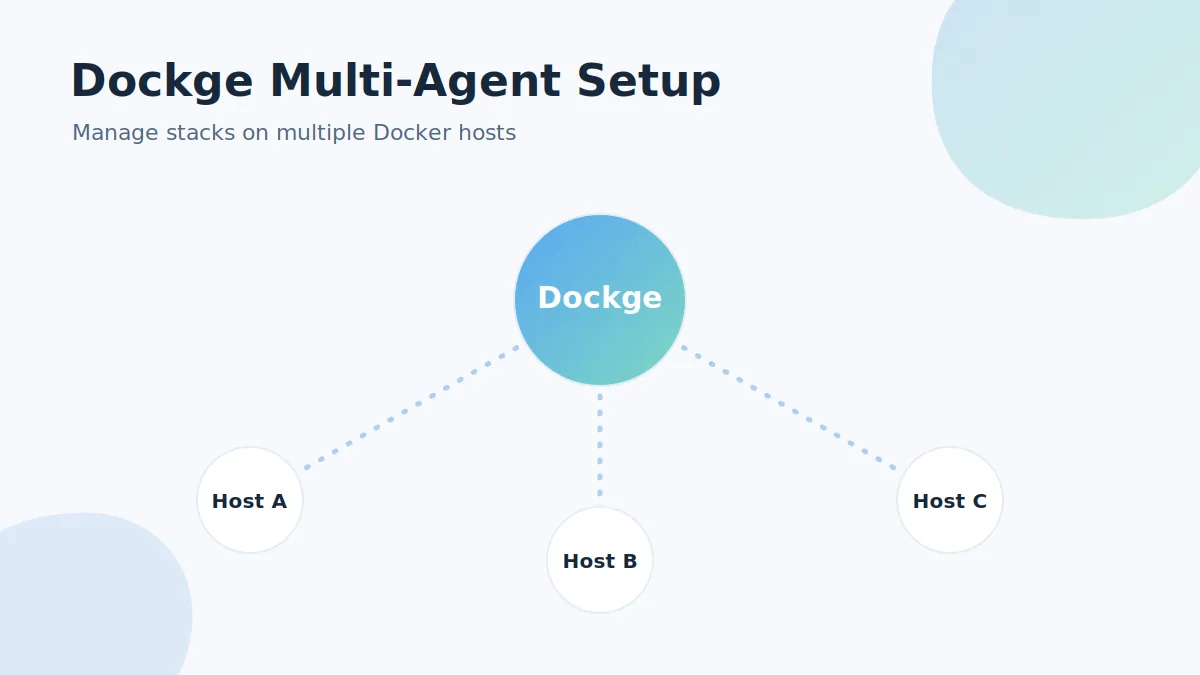
Dockge Multi-Agent Setup: Manage Multiple Docker Hosts
Use Dockge agents (v1.4.0+) to control compose stacks on several Docker hosts from one interface.
Read the guide →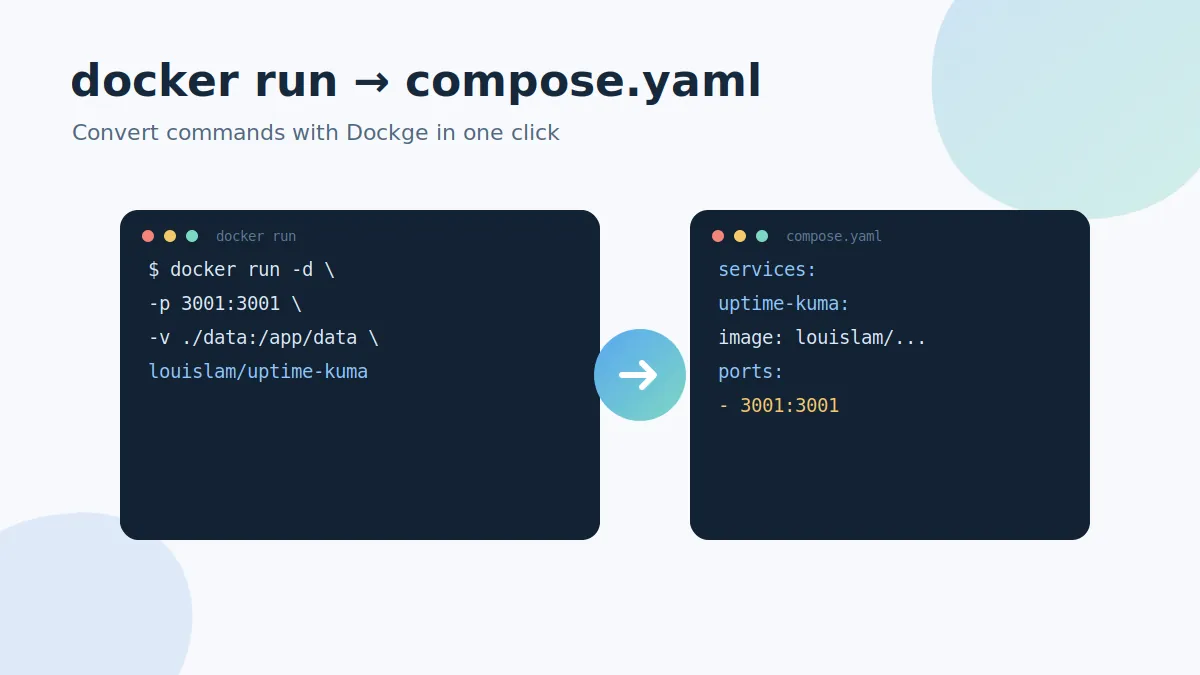
Convert docker run Commands to compose.yaml with Dockge
Turn any docker run command into a clean compose.yaml service using Dockge's built-in converter.
Read the guide →