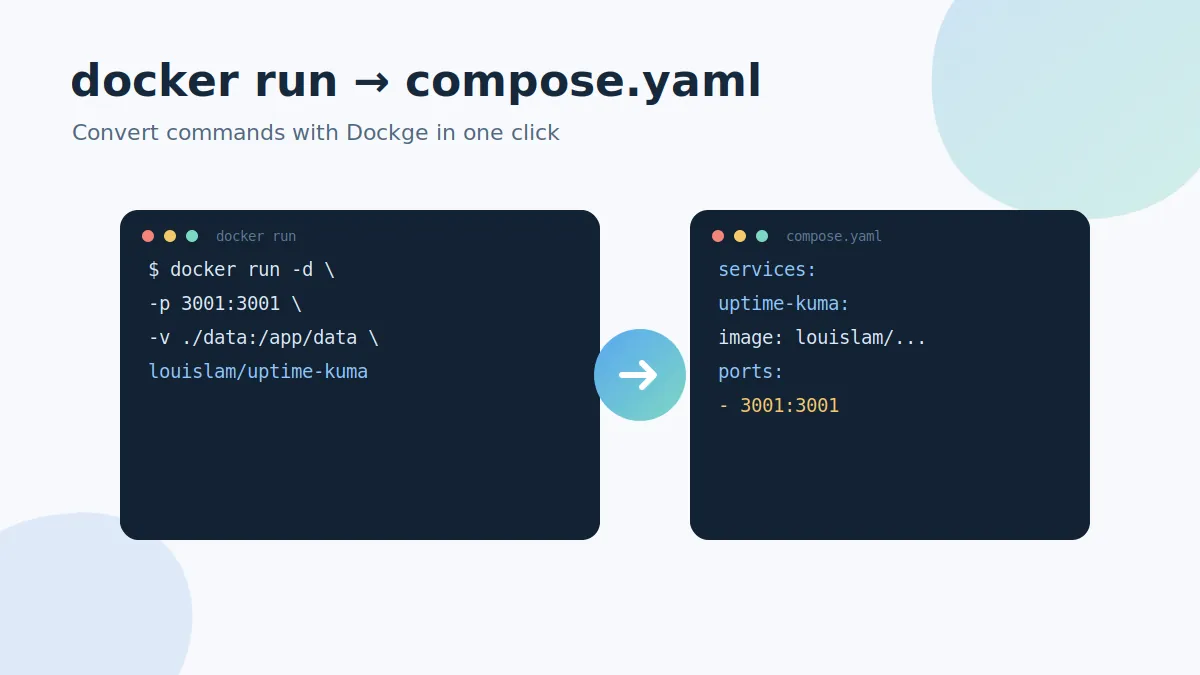
Half the READMEs on the internet still hand you a long docker run command. Dockge's built-in converter turns that one-liner into a tidy compose.yaml service, ready to deploy as a managed stack.
Where the converter lives
Open the Dockge home screen. The converter box sits front and centre: paste a docker run command on the left and the compose equivalent appears instantly.
A real example
Take this typical command:
docker run -d \
  --name uptime-kuma \
  -p 3001:3001 \
  -v ./data:/app/data \
  --restart unless-stopped \
  louislam/uptime-kuma:1
Dockge converts it into:
services:
  uptime-kuma:
    container_name: uptime-kuma
    image: louislam/uptime-kuma:1
    restart: unless-stopped
    ports:
      - 3001:3001
    volumes:
      - ./data:/app/data
From there, one click turns the output into a new stack folder in /opt/stacks, and you deploy it like any other stack (see the stack management tutorial).
What gets mapped
- -p →
ports - -v →
volumes - -e →
environment - --restart →
restart - --name →
container_name - --network →
networks
Cleanup tips after converting
- Pin an explicit image tag instead of
latestfor predictable updates. - Move secrets out of inline
environmentlines and into an.envfile. - Drop
container_nameif you plan to scale the service — compose names containers sensibly on its own.
The converter is one of the fastest ways to migrate an old collection of run commands into managed, version-controllable stacks.