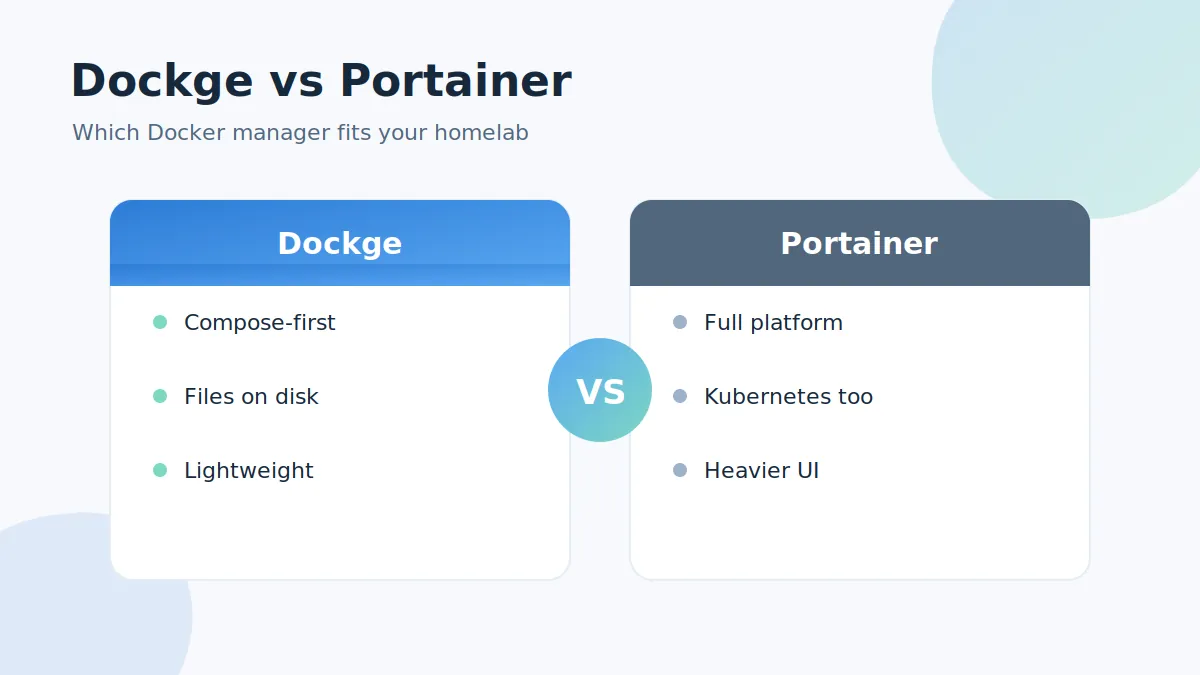
Dockge vs Portainer is one of the most common questions in self-hosting communities. Both give you a web interface for Docker, but they take very different approaches. This comparison looks at philosophy, features, resource usage and the situations where each one wins.
The core difference: compose-first vs platform
Dockge is deliberately narrow: it manages Docker Compose stacks and nothing else. Every stack is a plain compose.yaml file stored on your drive (by default in /opt/stacks), so the tool never owns your configuration.
Portainer is a full container-management platform. It handles single containers, compose stacks, images, volumes, networks, registries, users and even Kubernetes clusters. Its stack definitions live inside Portainer's own database.
Feature comparison
Where Dockge shines
- File-based stacks — compose files stay yours; you can mix the web UI with the normal
docker composeCLI at any time - Reactive interface — pull/up/down progress and terminal output stream in real time
- docker run converter — paste a
docker runcommand and get a compose service instantly (see the converter guide) - Lightweight — a great fit for a Raspberry Pi or small VPS
- Multi-agent support — manage several Docker hosts from one interface
Where Portainer shines
- Scope — Kubernetes, Docker Swarm, single-container workflows and registry management
- Teams — role-based access control, multiple users and an enterprise edition
- Maturity — a longer history and a large ecosystem of templates
Resource usage and simplicity
Dockge's focused scope keeps it light and the interface uncluttered — if you love Uptime Kuma's UI (same developer), Dockge feels instantly familiar. Portainer's breadth comes with a heavier interface and more concepts to learn.
Which one should you pick?
- Choose Dockge if your workflow is built around compose files, you value owning your configuration as plain files, or you run a homelab on modest hardware.
- Choose Portainer if you need Kubernetes/Swarm support, multi-user access control or enterprise features.
Many self-hosters actually run both side by side during a trial week and keep the one that matches their habits. If Dockge sounds right, the install guide gets you running in five minutes.